Select a class
Tap a vehicle class on the right / below to see full details, deposits and example vehicles.
—
—
Jump into your most-used tools.
Pick a rental date and language, then view the matching terms.
The rental terms of service change regularly. Ensure that the date entered is the open date of the contract being reviewed.
Scan this to open the currently selected terms on the customer’s device.
Open the right G24 page for a quick registration or full list management.
Quick Add is best for registering a vehicle for today only. Client Portal is for maintaining visitor and permit lists and requires an account.
Quickly check deposits, excesses, age limits and example vehicles.
Start with a quick search or use the filters below. Tap a class to see full details and a larger image.
Search by friendly name, example vehicle or notes (e.g. “Corsa”, “SUV”, “9-seater”).
Use these to quickly narrow down by transmission, vehicle type, fuel type, space, underwriting and availability.
—
—
Work through the 25-point checklist to make sure the vehicle is rental ready.
0 of 25 checks completed
✅ All checks completed for this vehicle.
Use this screen to walk through your options.
Set the details for this rental. These options update the figures below.
Build your run in order, then tick each stop as you go.
Match customers to cars and resolve issues quickly.
Optional: filter Today’s Customers, Available Cars and Alerts to one dealership while you work.
Tap a fee to see a clear explanation you can use with customers.
Tap a pill to focus on a category.
Enter a figure to instantly see the equivalent pre- and post-tax values (20% VAT).
Type the figure you’re working with. We’ll calculate what it would be before tax and after tax.
Example: if you enter £10.00, we’ll show roughly £8.33 as the pre-tax value and £12.00 as the post-tax value.
Choose the right QR code based on the customer’s phone.
Does the customer use an iPhone or an Android phone? This decides which QR code will work best on their device.
Open your camera and point it at this code. You’ll be able to add the contact in just a couple of taps.
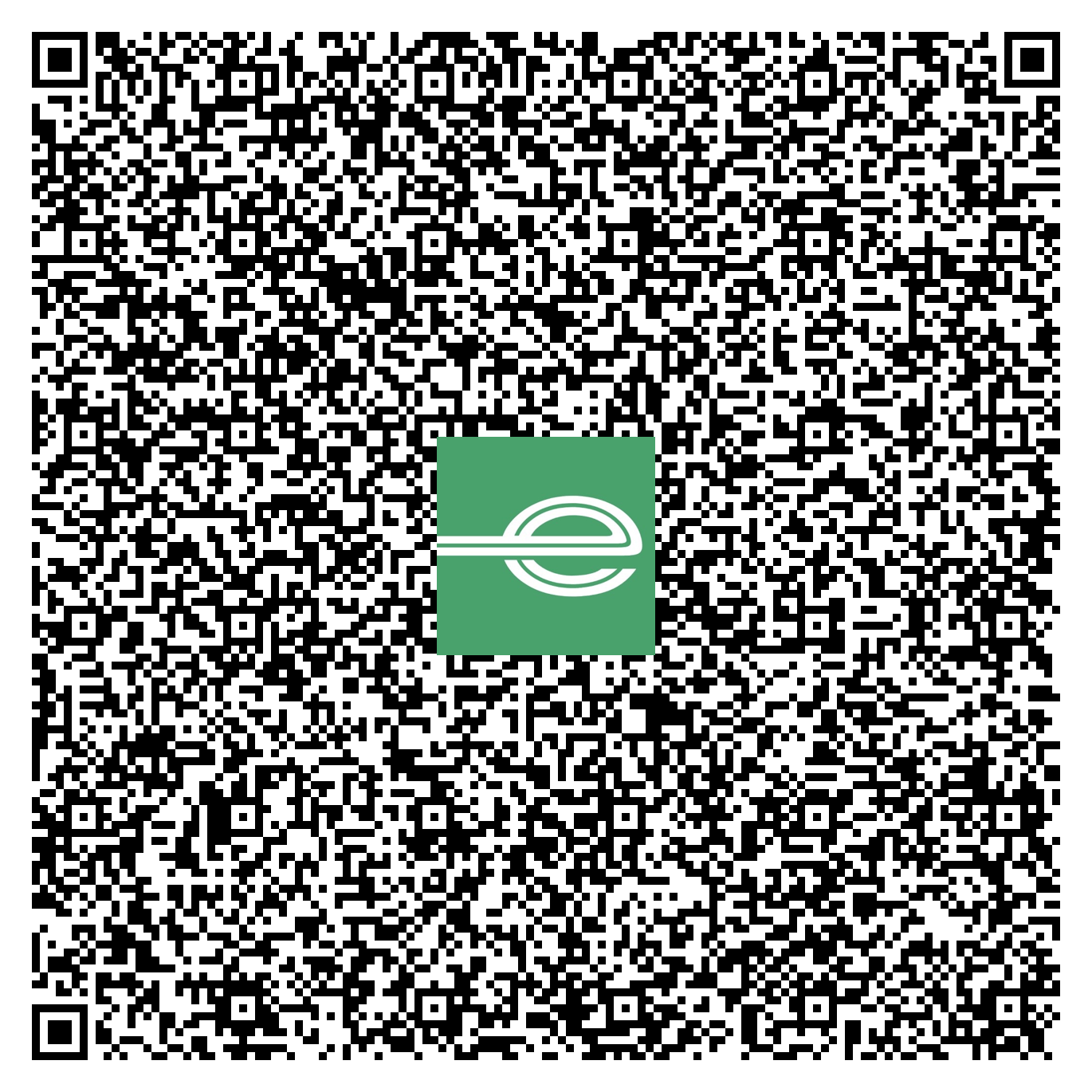
This QR code adds a contact with:
On many Android phones, separate QR codes work best for each number. Scan each code in turn to save all our details.
Scan this to add our local Guildford branch phone number to your contacts.
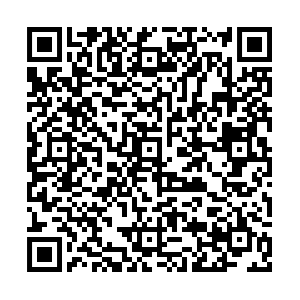
Scan this to save our Accident Reporting line so you can reach us quickly if something happens.
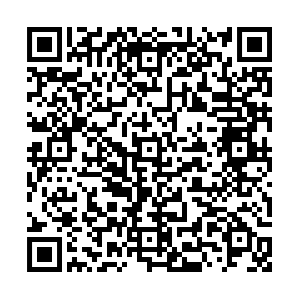
Scan this to store the Roadside Assistance number so you can get help on the road.
Create a full-screen meet & greet board for dealership handovers and customer pickups.
Select which rental brand logo to show on the full-screen board.
Add up to 5 names. If you enter multiple, the sign will rotate each name every 3 seconds.
Tap a phrase to set the message line under the name (optional).
Tip: turn your brightness up for visibility.
Tap a number to call.
Tip: on iPhone, long-press a number to copy it.
Choose the script that matches the call.
Work through the prompts during the call.